Users
The Users module manages the members of your tenant — who can sign in and what role they hold.
Who can access this: admins and operators.
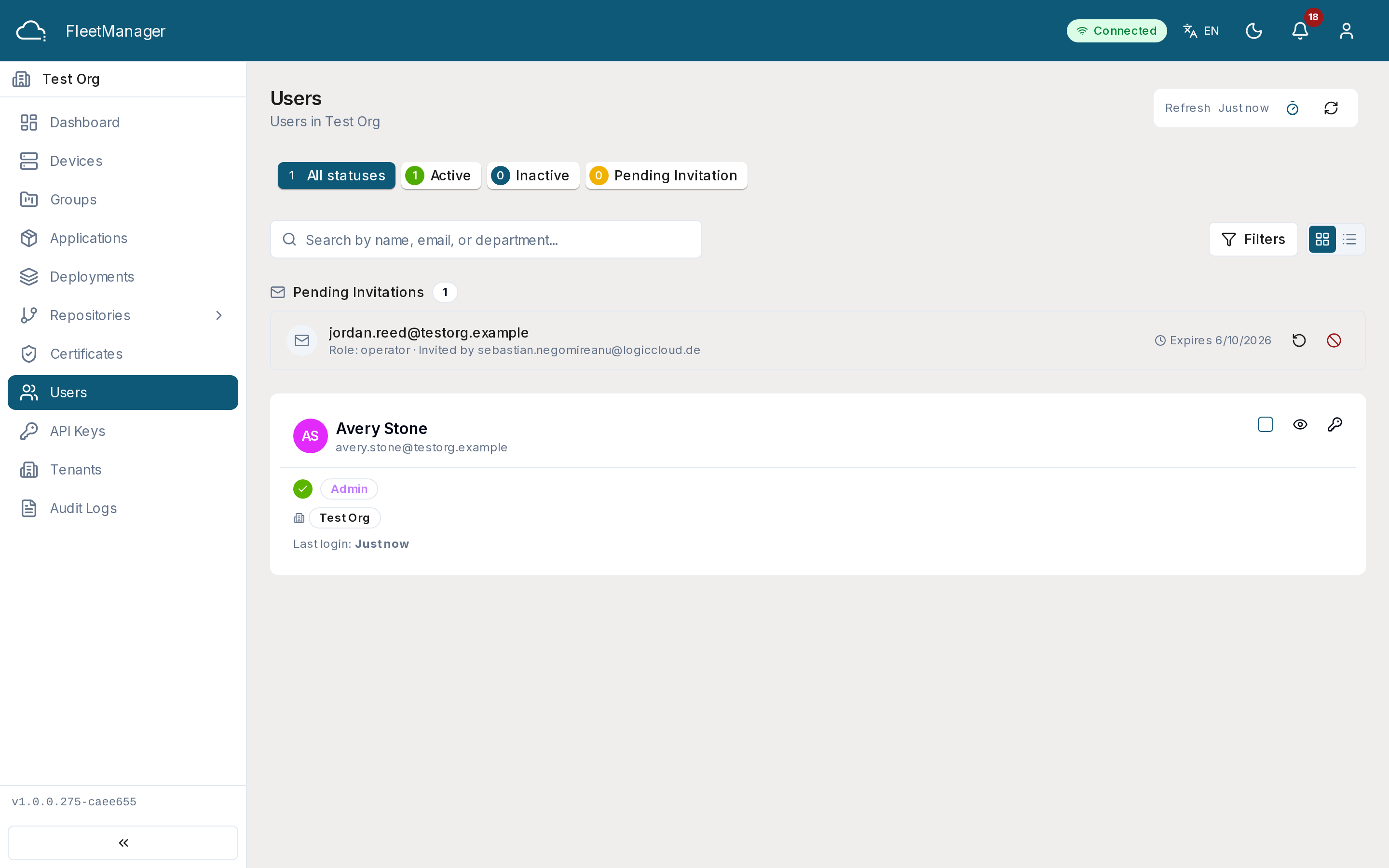
What you see
Section titled “What you see”Members are listed with their email, name, role (admin / operator / viewer), and status. Status bullets summarize active / inactive / pending / suspended and filter the list; search matches email, name, or department. A Pending Invitations section shows invites that haven’t been accepted yet.
Inviting a user
Section titled “Inviting a user”- Click Invite User.
- Enter the person’s email, choose a role, and optionally add a department and a message.
- Submit. They receive an email invitation (valid for 7 days) with a link to set a password and join.
The invite appears under Pending Invitations until it’s accepted; you can resend or revoke it from there.
Managing members
Section titled “Managing members”- Edit — change a member’s role. (Admins can also grant system superuser status.)
- Activate / Deactivate — deactivated members can’t sign in.
- Reset Password — sends a password-reset email (admins).
- Delete — removes the member from the tenant.
Bulk actions
Section titled “Bulk actions”Select multiple members (or Select all, which respects the current filters) to activate, deactivate, or delete them together. Bulk delete is batched for reliability at large scale; if some deletions fail, a Retry Failed action re-attempts only the ones that didn’t succeed.
Status values
Section titled “Status values”- active — can sign in with their role’s access.
- inactive — deactivated; cannot sign in.
- pending — invited, not yet accepted.
- suspended — access withheld.