Groups
Groups let you organize devices and use them as deployment targets — without maintaining static lists.
Who can access this: all roles (viewers read-only; operators and admins can change labels).
What a group is
Section titled “What a group is”A group is simply a device label (key = value). Groups are not created
manually — they appear automatically from the unique labels across your
devices. A device labeled env = prod and region = us-east belongs to two
groups at once: env: prod and region: us-east.
To create a group, add a label to one or more devices (see Devices).
What you see
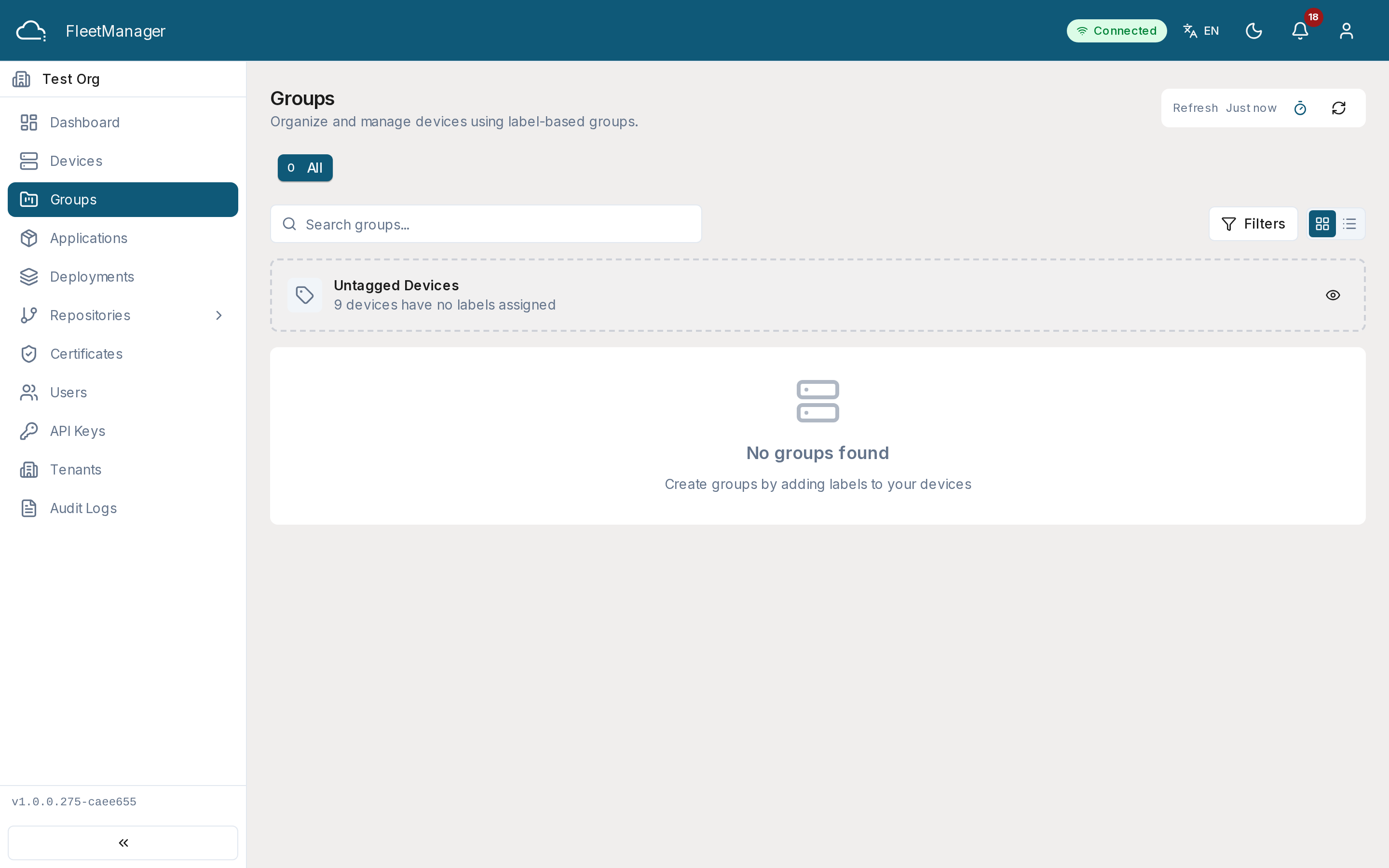
Section titled “What you see”Each group card shows the label key/value and a breakdown of the devices in it by status (online, offline, pending, error). If some devices have no labels at all, an Untagged Devices card lets you review them.
Filter groups by search, by label key/value, or by status (groups that contain at least one device in that state).
Working with groups
Section titled “Working with groups”- View Devices — opens the device list filtered to that group.
- Deploy To — starts a deployment with this group pre-selected as the target (see Deployments).
- Add Label — applies a new label to every device in the group.
- Remove Label — removes the label from every device in the group (after confirmation).