Settings
The Settings module holds tenant-wide configuration.
Who can access this: admins.
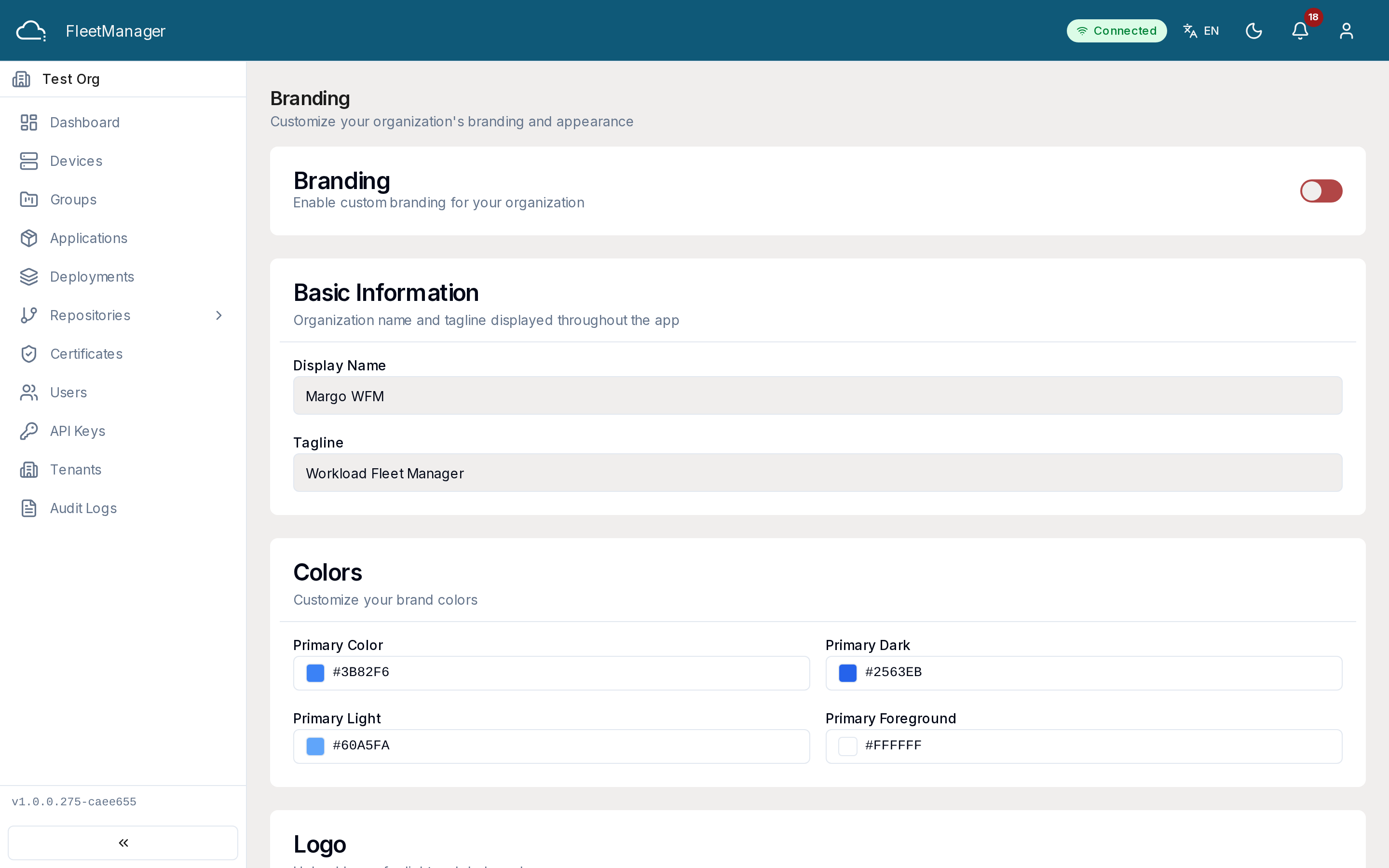
Branding
Section titled “Branding”Customize how Fleet Manager looks for your tenant: upload a logo, set your brand colors, and add an organization name and tagline. Use the preview to check your changes before saving.
Security
Section titled “Security”The Security page is where you manage your tenant’s API keys — see API Keys for the full workflow.
Localization and notifications
Section titled “Localization and notifications”The Localization (language, timezone, formats) and Notifications (email and other delivery preferences) settings are being introduced; the pages are present in the navigation as these capabilities roll out.